
Know who's coming before they arrive
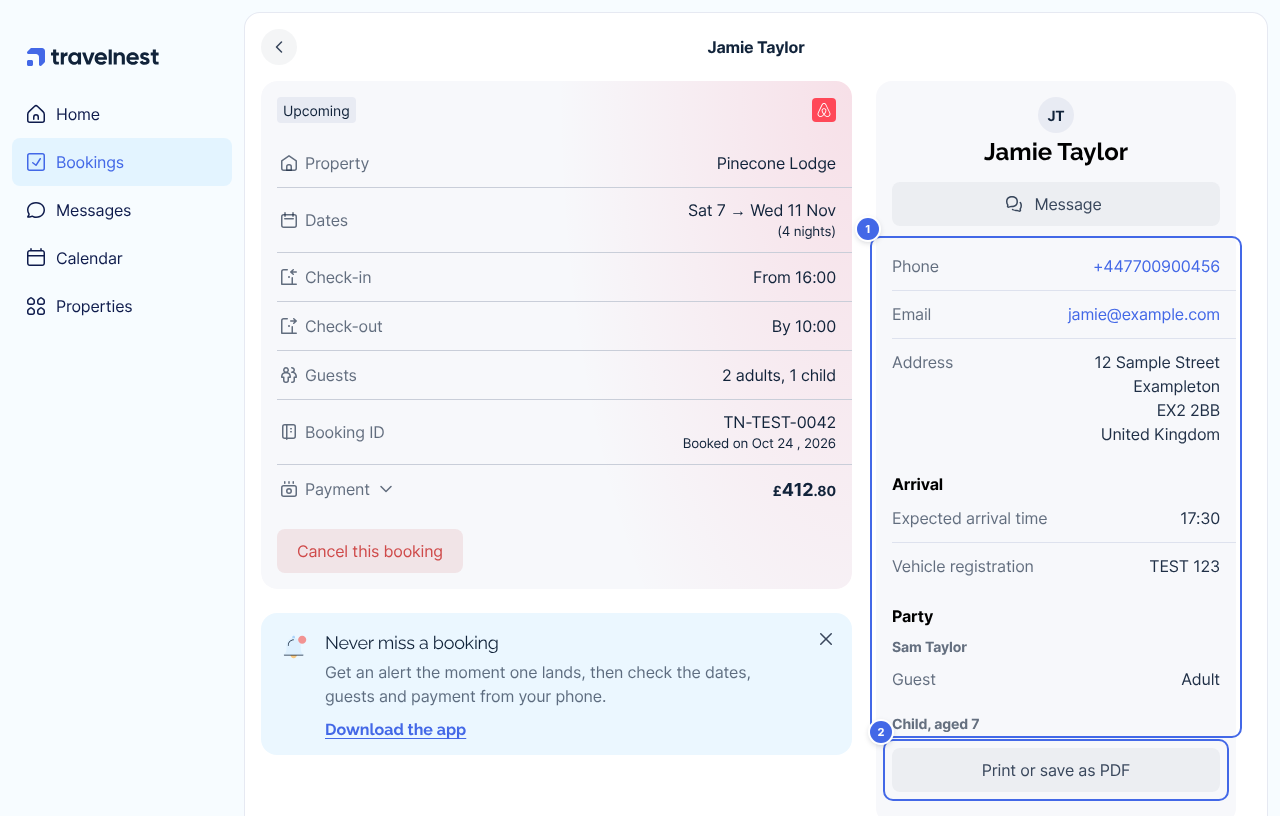
With online check-in, your guests confirm their details before they arrive: how to reach them, who's staying, when they'll get there and their ID. You'll find their answers on the booking.
It works for bookings from every booking site. We send guests the form for you and remind them if they haven't finished. Shortly before arrival, we send everyone your check-in instructions.
Online check-in is being introduced gradually. If you don't see Guest experience on your property page yet, it isn't available on your account just yet.
How do I turn on online check-in?
- Go to Properties and select your property.
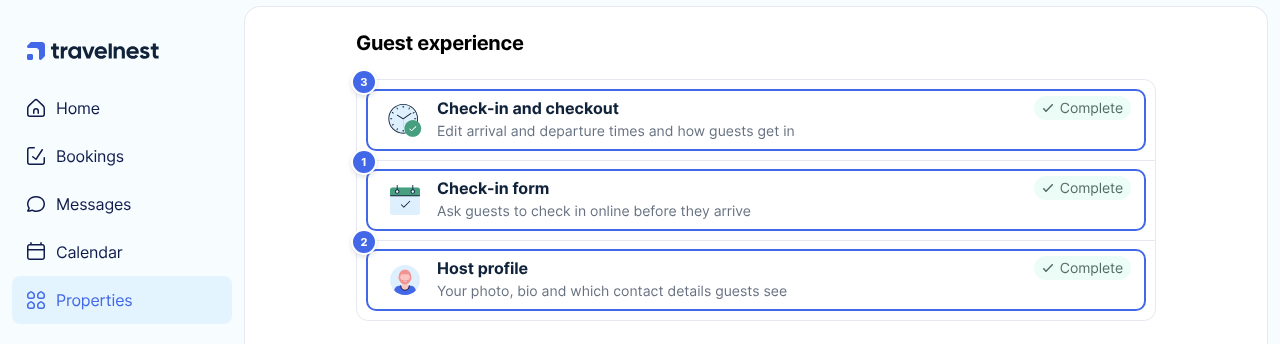
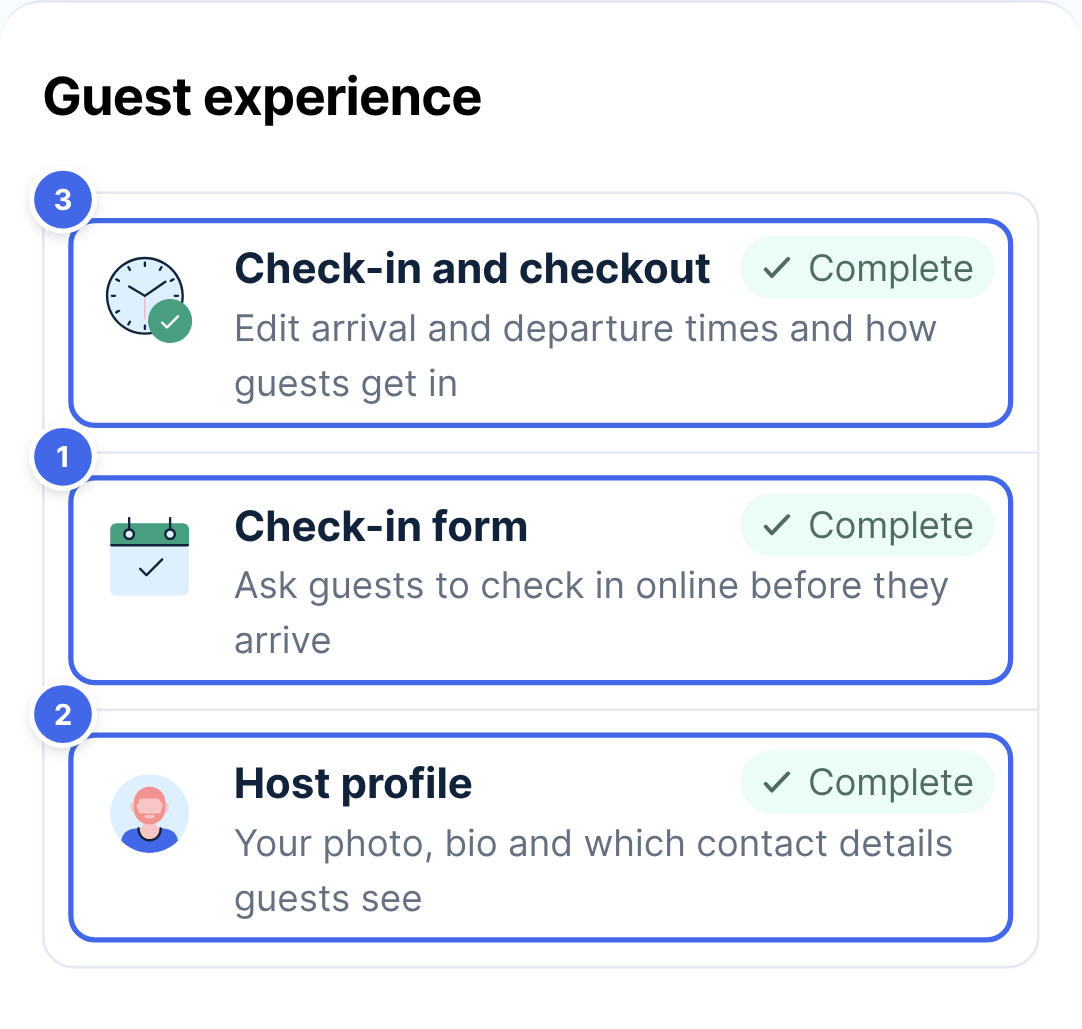
- Under Guest experience, click Check-in form (1).
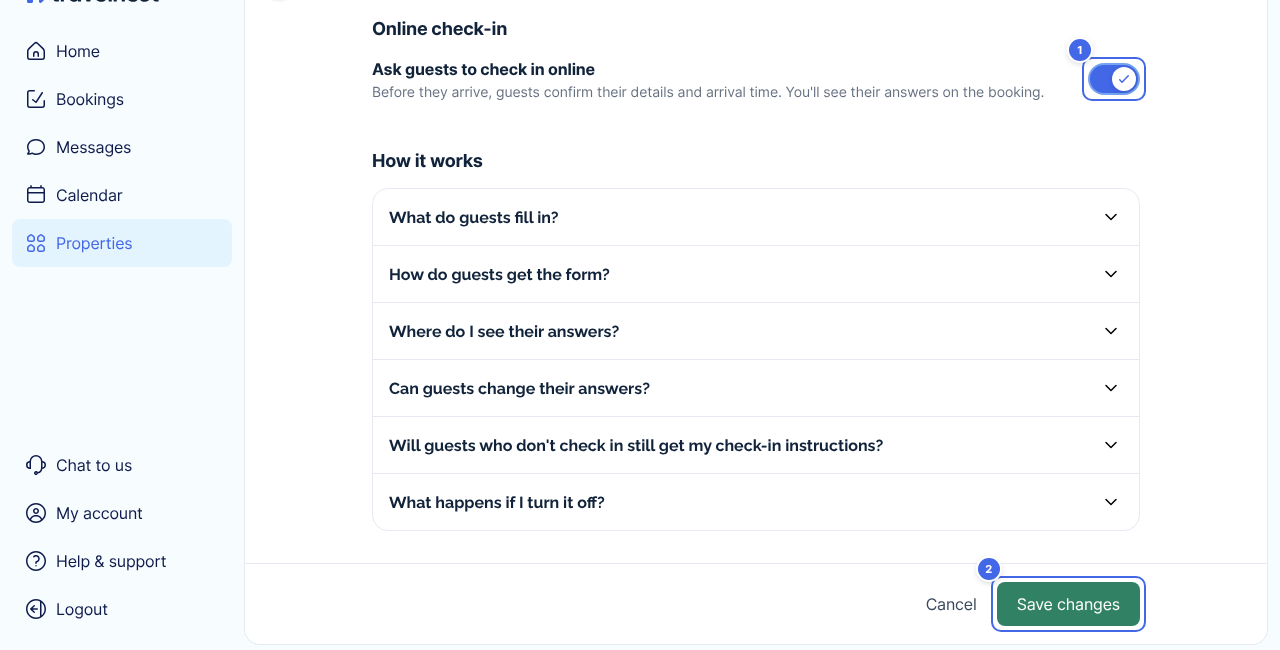
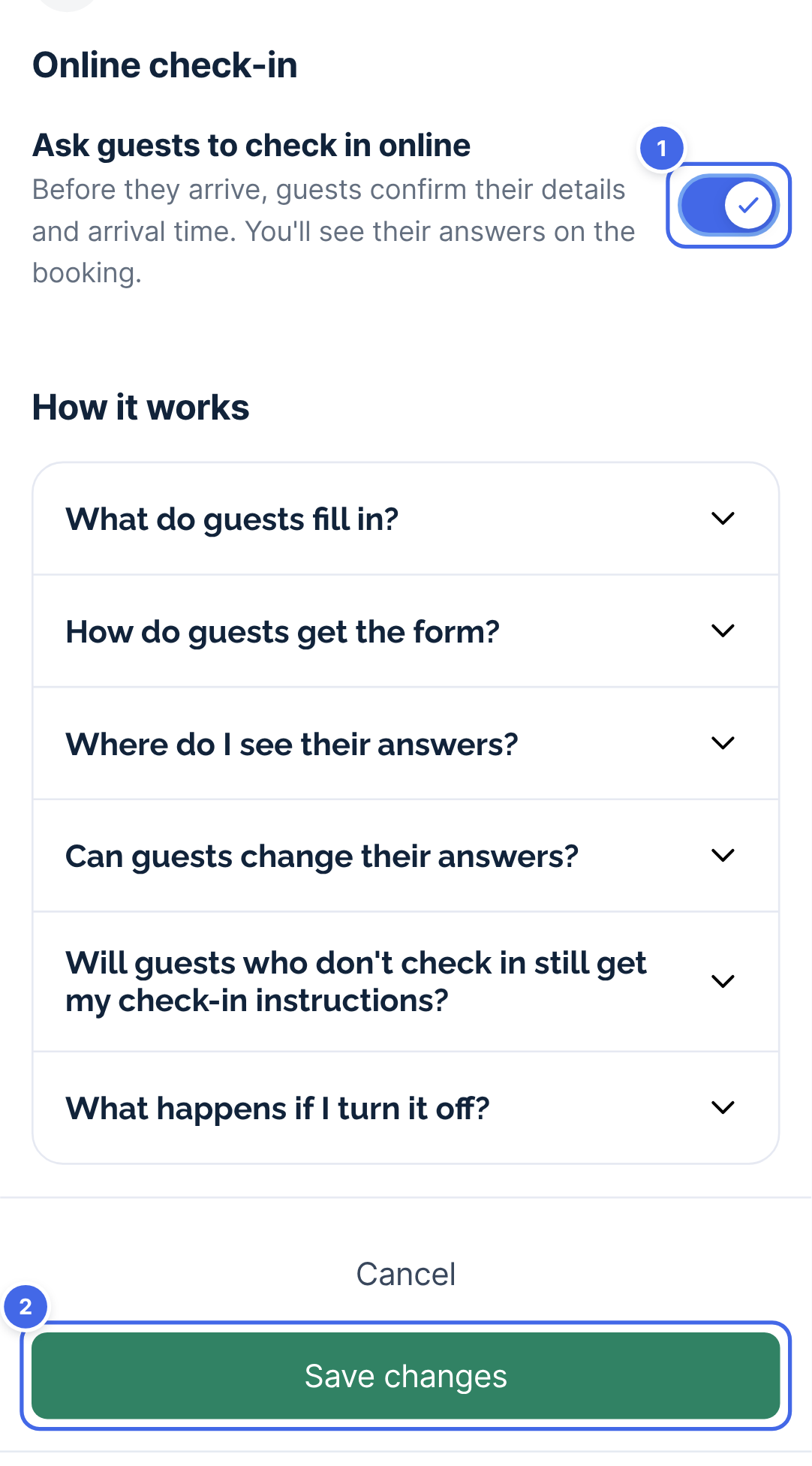
- Turn on Ask guests to check in online (1).
- Click Save changes (2).
The setting is per property, so turn it on for each property you'd like it on. New properties start with it on.
What do guests fill in?
Guests answer one short question at a time - it takes less than 5 minutes.
They give:
- Their name, email address, phone number and home address
- Who else is staying
- When they expect to arrive
- Whether they're bringing a car, and its registration if they are
- Any pets, if your property allows them
Before they can finish, guests agree to your house rules.
In countries where hosts must register their guests (Spain, Portugal, Italy and France), we also ask for the details the local authority needs, such as each guest's nationality and date of birth. In Spain, Italy and Portugal, that includes details of their ID.
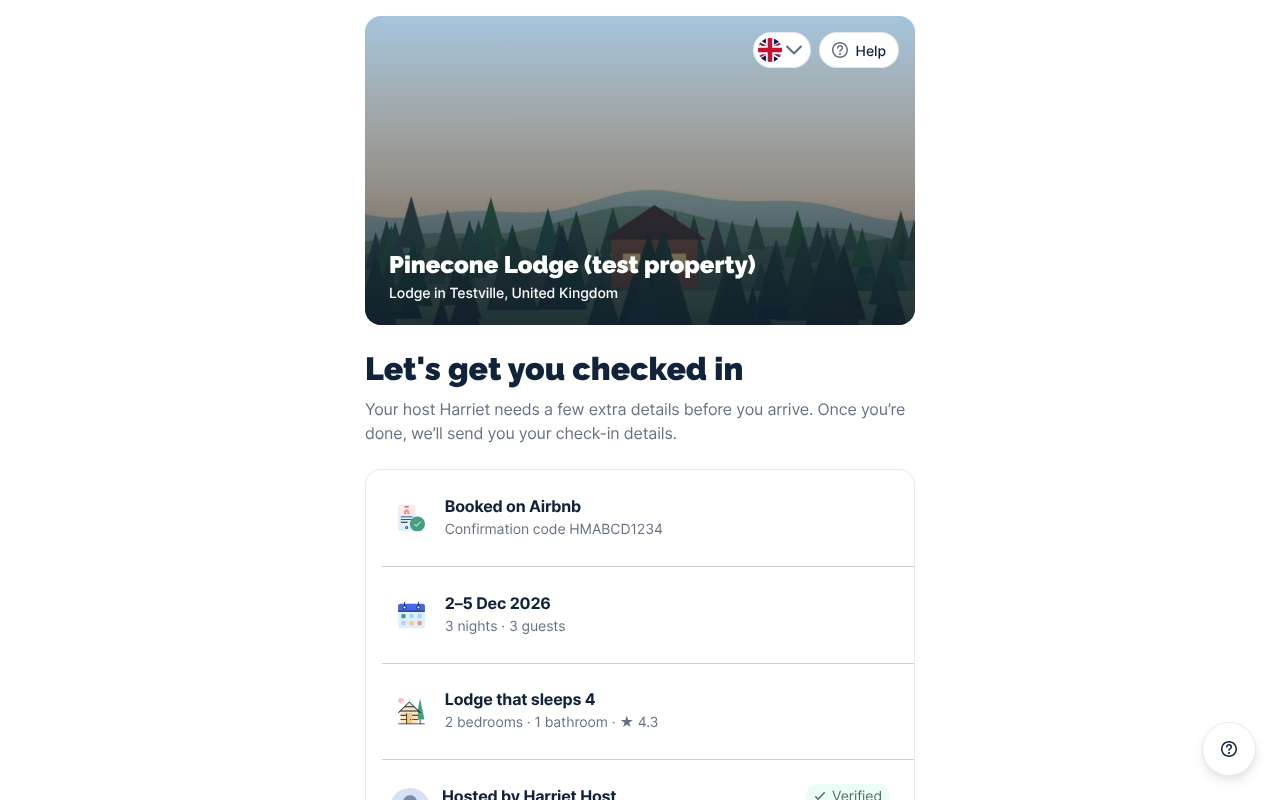
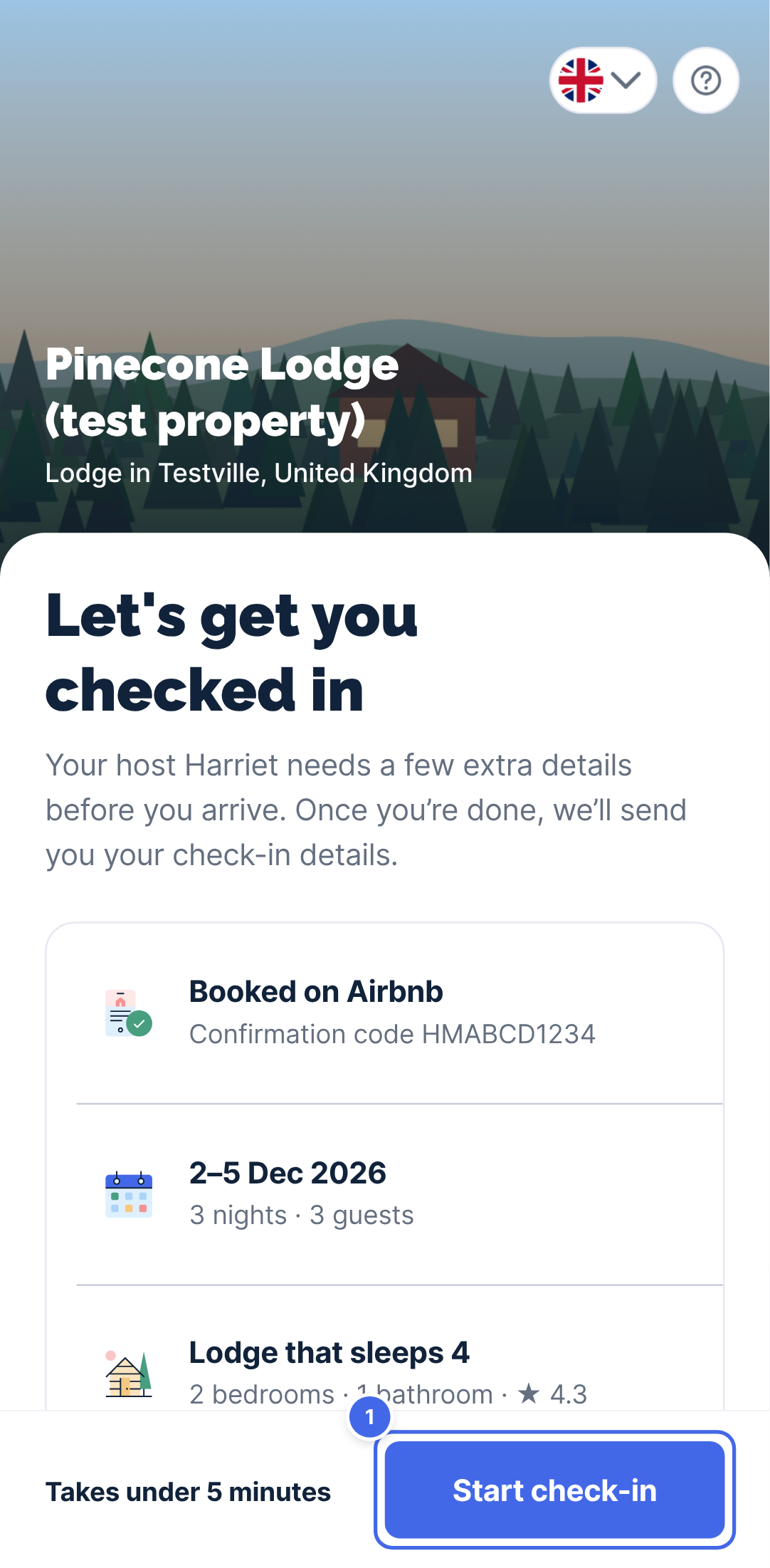
How do guests get the form?
You don't need to do anything. We send it for you:
- When the guest books: we send a welcome message introducing you, with a link to the form. You can see this in Guest messaging for all supported channels.
- Before the guest arrives: we send up to three reminders, if they haven't finished checking-in.
On Airbnb, Booking.com, Vrbo and Expedia we use the booking site's guest messaging, so you'll see these messages in your conversation with the guest. On other booking sites we email the guest.
In Messages, a small Travelnest logo marks the messages we've sent for you, so you can tell them apart from your own. Your guest sees them in the same messaging thread.
Where do I see my guest's answers?
We'll let you know as soon as your guest checks in, by notification in the Travelnest app or by email.
- Go to Bookings and open the booking.
- Their answers are in the guest details card (1).
- To keep a copy, click Print or save as PDF (2).
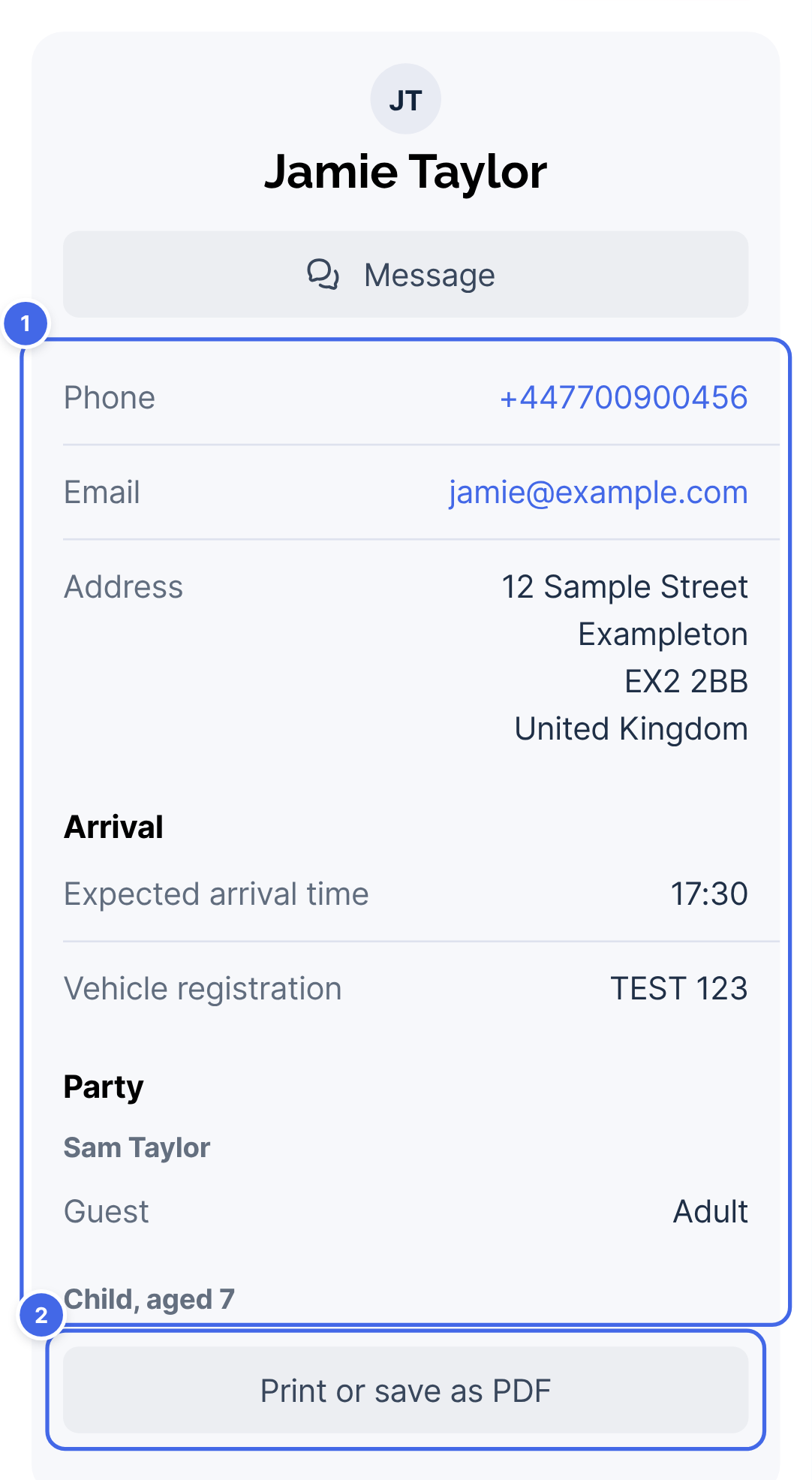
Until your guest checks in, the card tells you where things are up to, for example when we sent them the form and when we'll next remind them. You won't see anything they haven't submitted yet.
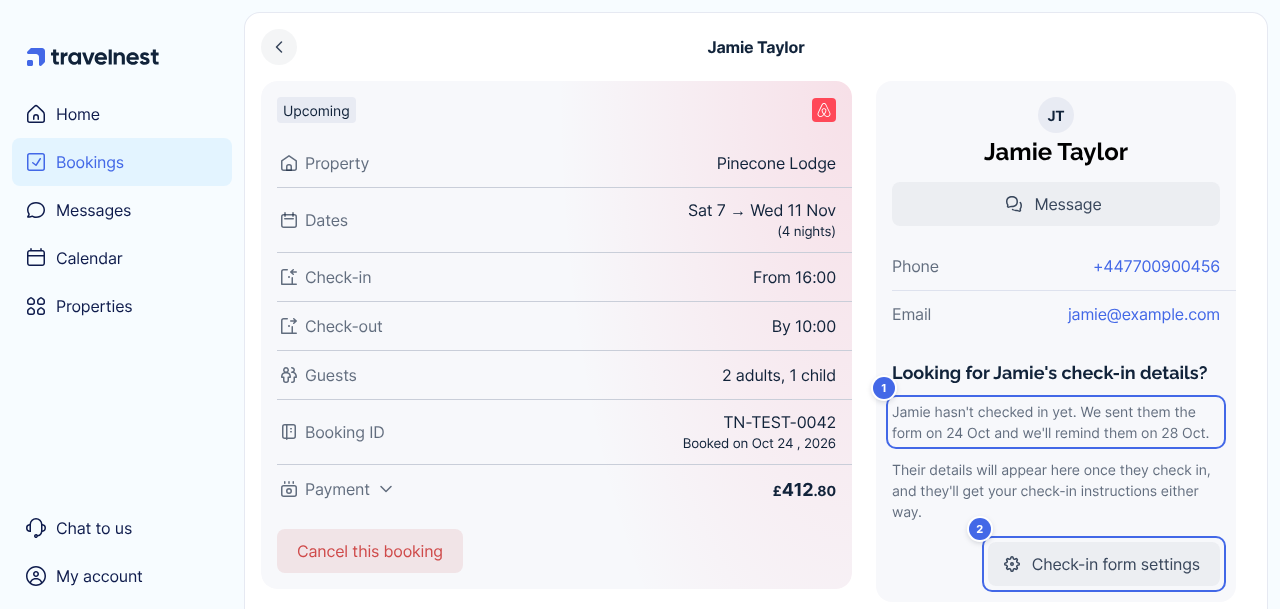
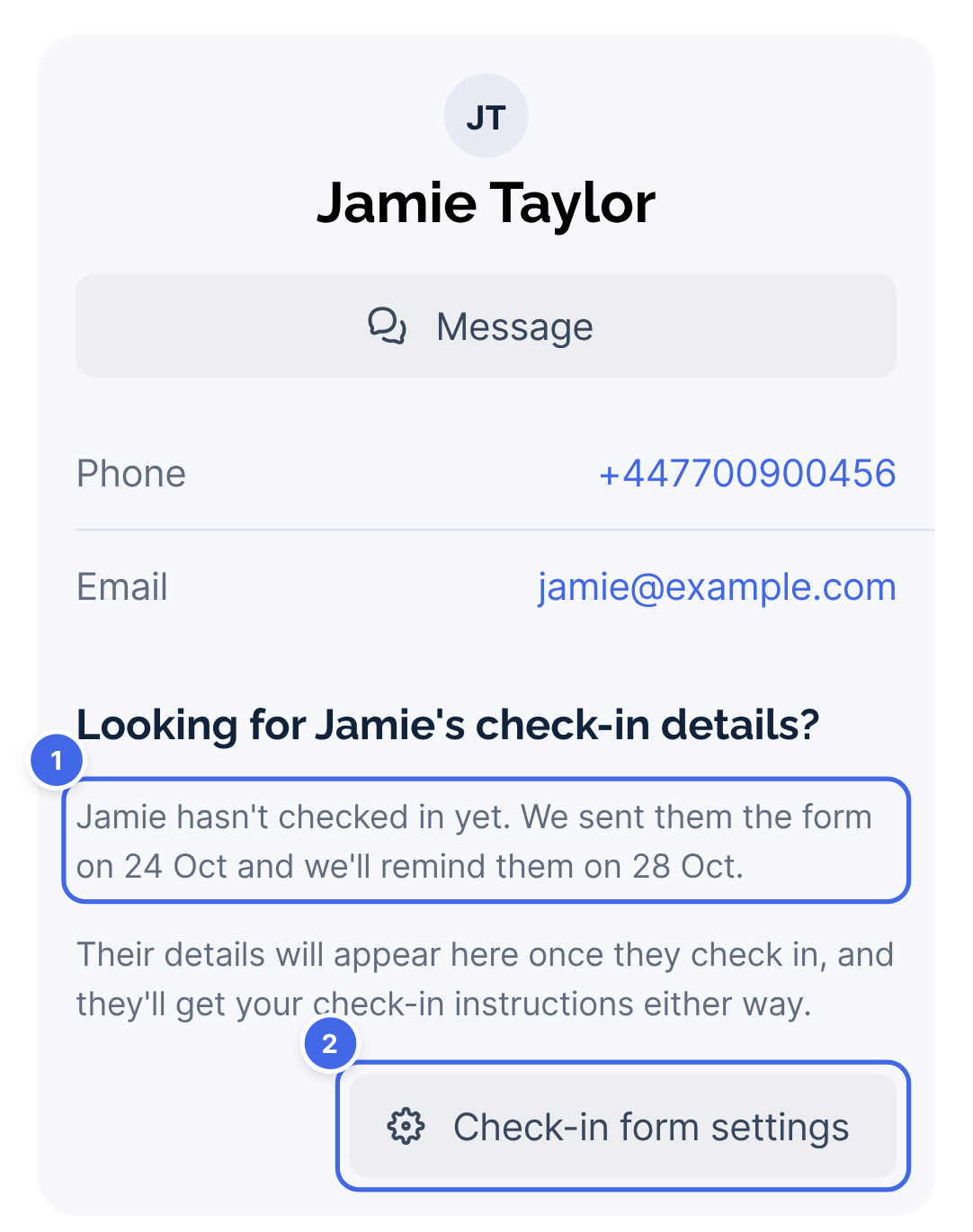
If your guest still hasn't checked in 2 days before they arrive, we'll let you know. A quick message to ask when they'll arrive and who's staying usually helps.
When do guests get my check-in instructions?
We send every guest your check-in instructions automatically before they arrive:
- 3 days before arrival if they've checked in online
- 2 days before arrival if they haven't
- Straight away if they book 2 days or less before arrival
Guests also see them on their check-in page from then. To set your instructions:
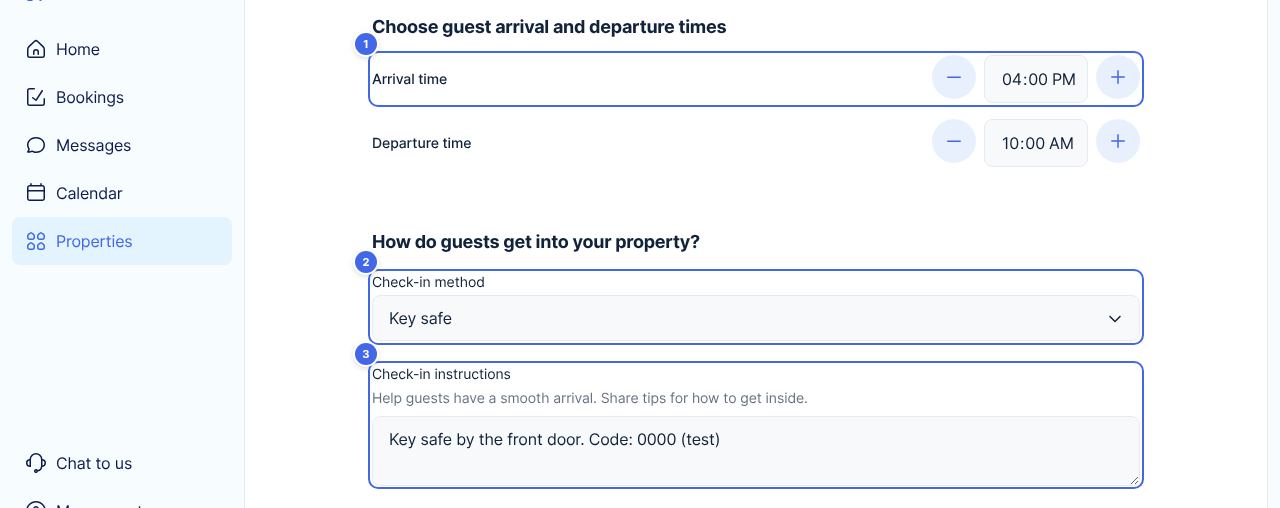
- Go to Properties, select your property and click Check-in and checkout under Guest experience.
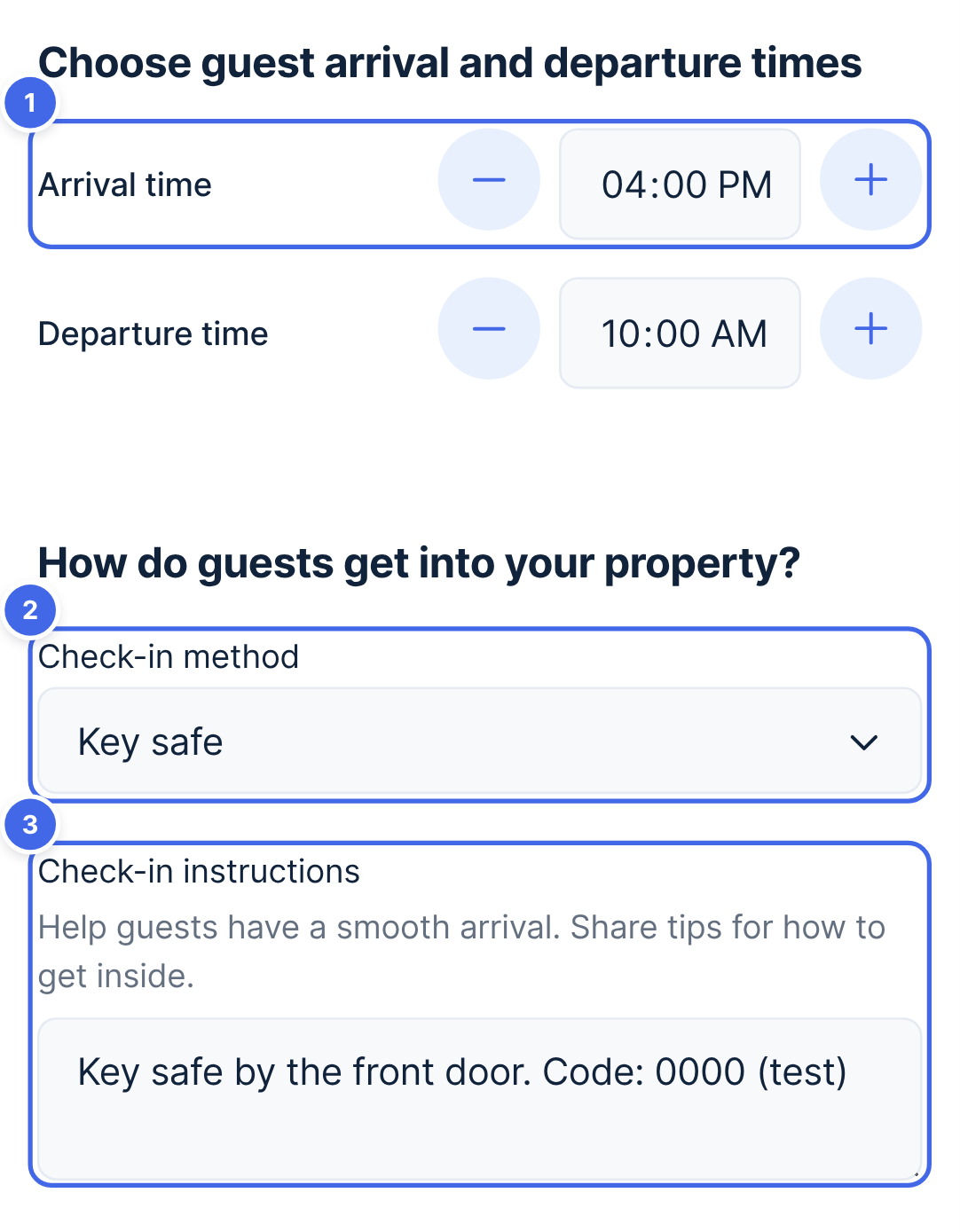
- Check your arrival and departure times (1).
- Choose how guests get in (2) and add your check-in instructions (3).
- Click Save changes.
Travelnest tip
Include everything a guest needs to get in and settle in: which door to use, where the keys or key safe are and the code, where to park, the Wi-Fi details, and how the heating or hot water works. If you haven't added a check-in method or instructions, we can't send them for you.
How do I set up my host profile?
We list your property on booking sites as Travelnest, so your host profile is how guests get to know you. We show it on your guest's check-in page, next to your instructions.
- Go to Properties, select your property and click Host profile under Guest experience.
- Click Upload a photo (1) and choose a clear, friendly photo of yourself. If you already have one, the button says Change photo.
- Add a few lines about yourself under About you (2).
- If guests can reach you on WhatsApp, turn on Guests can message me on WhatsApp (3).
- Click Save changes.
Guests with a booking can also see your phone number and email address, so they can reach you if they need to. These are already shared in booking confirmations.
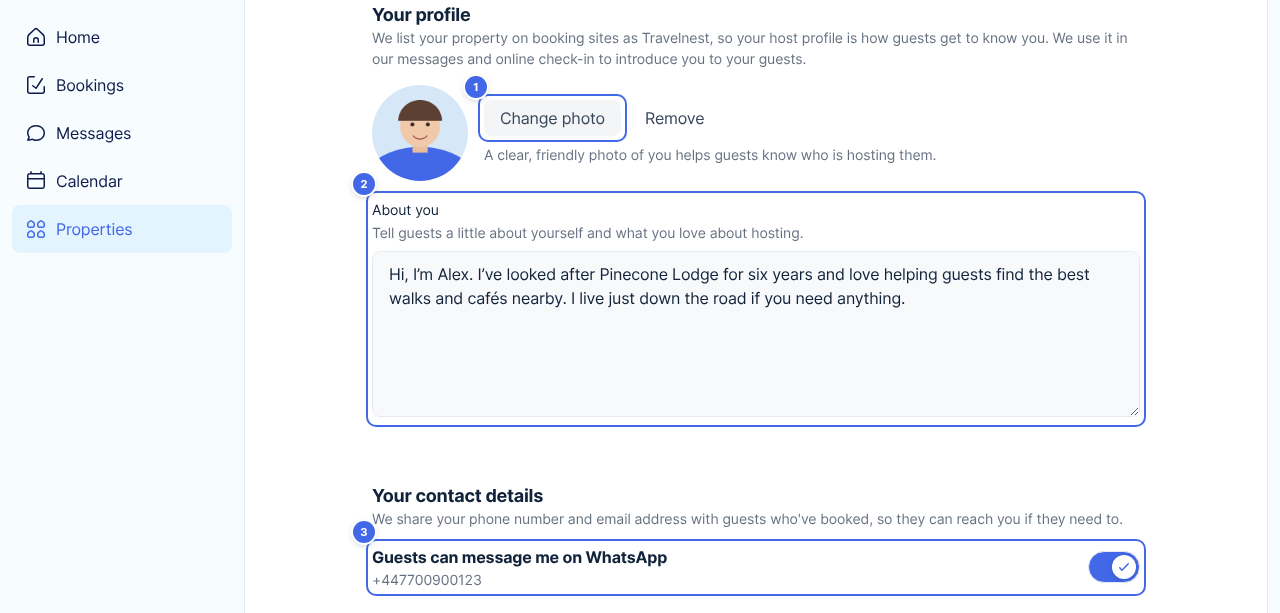
We check every photo and bio before guests see them. They can't include phone numbers, email addresses, links or social handles. They also can't ask guests to book or pay outside their booking, or mention deposits. Your photo and bio are the same on all your properties.
Frequently asked questions
Can guests change their answers?
Yes. Guests can update their details until the day before they arrive. You'll always see the latest version on the booking.
Will guests who don't check in still get my check-in instructions?
Yes. Booking sites require every guest to get check-in instructions, so we always send them, even if you turn the check-in form off. Guests who've checked in online get them a day earlier.
What happens if I turn the check-in form off?
New guests won't be asked for their details, and guests who've already booked won't get any more reminders. Every guest still gets your check-in instructions shortly before they arrive. Answers guests have already sent stay on the booking.
Can I contact my guest on the phone number they give?
Yes, but we recommend only using a guest's phone number or email in an emergency. Keeping conversations in Messages gives us a record, which helps us resolve any dispute fairly and back you up.
Does Travelnest register my guests with the authorities?
No. The form collects the details your country's guest register asks for, so you have them in one place. You're still responsible for submitting them.
Can guests upload a photo of their ID?
Not at the moment. We only ask for ID in Spain, Italy and Portugal, where the guest register needs it, and guests give the document type and number.
Can I add my own questions?
Not at the moment. Every guest is asked the same questions, plus the ones their country's register needs.
Who can see my guest's details?
Only you and Travelnest. Guests are told their answers go to their host only and are deleted 30 days after their stay.
Who can see my contact details?
Only guests with a booking. We share your phone number and email address so they can reach you if they need to, and let them know if you're on WhatsApp. To change your phone number or email address, update them in your personal details.