
Accessing guest and booking details
For every booking you receive through Travelnest, you’ll have access to guest and booking details both in your account and via notifications.
This guide explains where to locate the information and what it includes.
Where to view guest details for each booking
- Log in to your Travelnest account — On your device, open the Travelnest website and sign in.
-
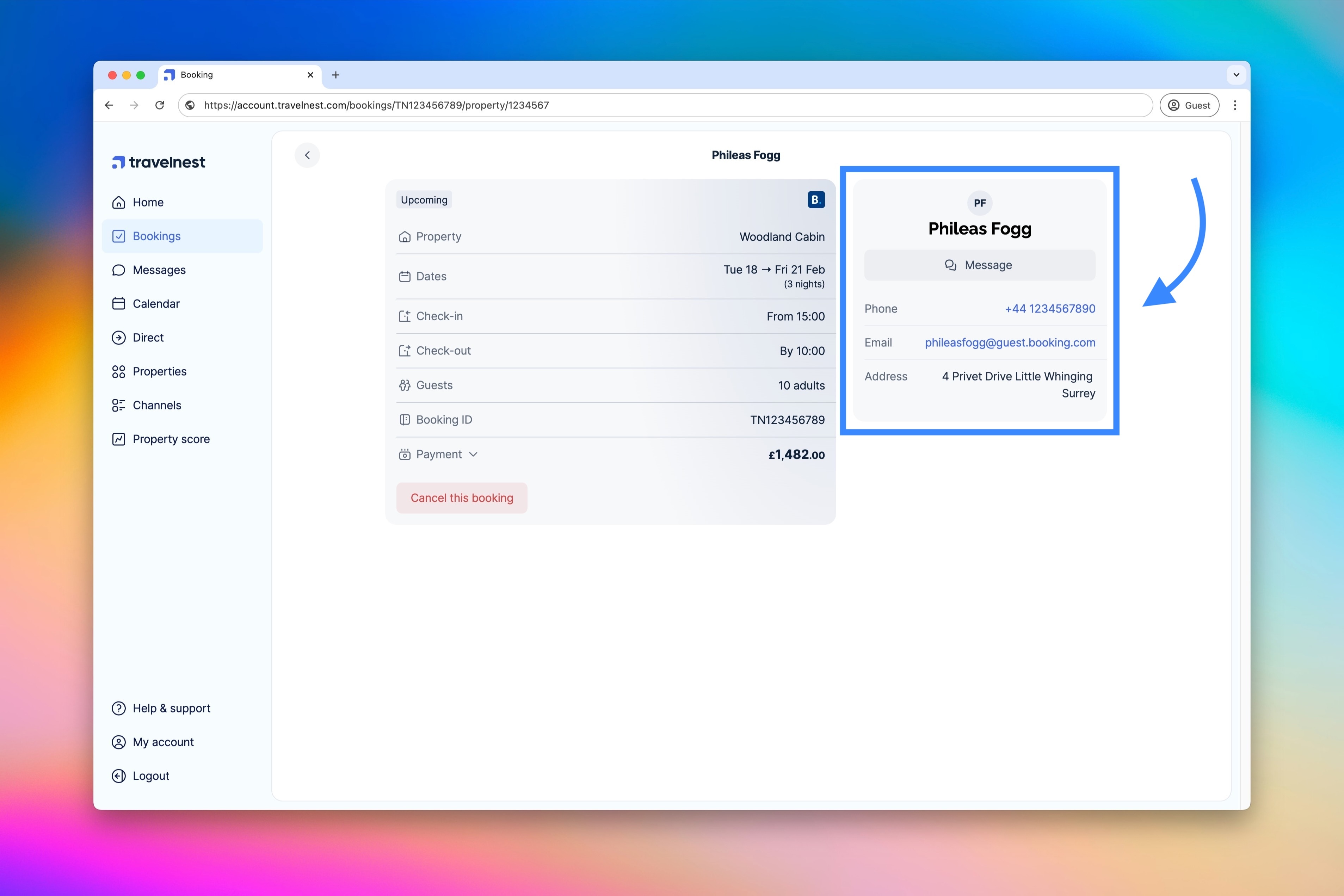
Access the Bookings page — Navigate to the Bookings section, then click the booking you want to view. In the detailed view, you’ll find guest contact details, a button to message the guest directly, and other key information such as the number of guests, stay dates, payment breakdown, and booking channel.
Important note
The details shown in your account are all the information we hold for that booking. We cannot provide further guest data beyond what is displayed in the booking card.