
How to log in
To access your Travelnest account, please go to: https://account.travelnest.com/login/email
We recommend bookmarking this page or adding it to your favourites for quick access in future.
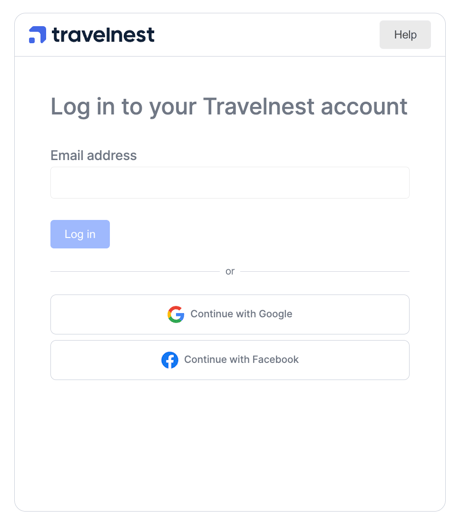
On the login page, you can either:
- Enter the email address you used when setting up your Travelnest account, or
- Log in using your Google or Facebook account, as long as the email on that account matches the email on your Travelnest profile.
You’ll see the following login screen:
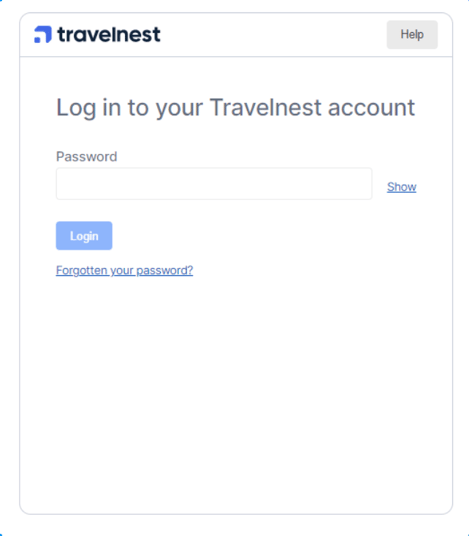
If you’ve set a password, you’ll be prompted to enter it on the next screen:
If you haven’t set a password yet (newer users), you’ll be asked to check your email for a login link:
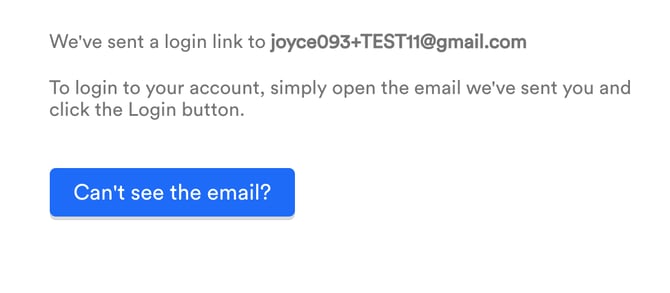
Click the Log in button in the email, and you’ll be taken directly to your account.
If you didn’t receive the login email:
- Wait a few minutes, as it may take some time to arrive.
- Check your spam or junk folder.
- If it’s still missing, click Can’t see email? on the login page.
You’ll then see this screen:
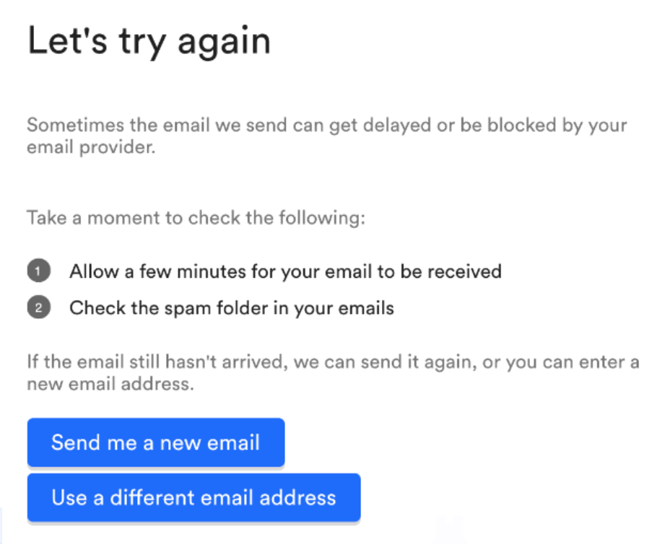
From here you can either:
- Resend the login link to the same email address, or
- Enter a different email address if you signed up with another one.
FAQ
Does Google or Facebook login work in the app as well?
Yes — Google and Facebook login are supported in the Travelnest app for existing customers. If you aren’t seeing these options, please make sure you have the latest version of the app installed and then try again.
What happens if I already have an account but I log in with Google or Facebook?
If you already have a Travelnest account and you log in with Google or Facebook using the same email address that’s on your Travelnest account, we’ll automatically link the two identities. This means you’ll access your existing account and no duplicate account will be created.
If you try to log in with a Google or Facebook account that uses a different email address (one that doesn’t match any correspondence email on your Travelnest account), the login won’t work because we can’t match it to an existing profile. In this case, you’ll need to either log in with the email address registered on your Travelnest account, or use the Google/Facebook account that uses that same email.