
If you’d like to remove your property from a specific booking site, you can do this through the Channels section of your Travelnest account.
Deselecting a booking site only removes your property from that platform. It will not affect your other live listings.
How to deselect a booking site
• Log in to your Travelnest account
• From your home page, go to the Channels section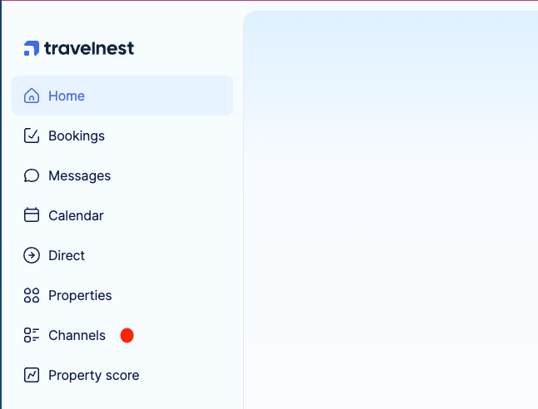
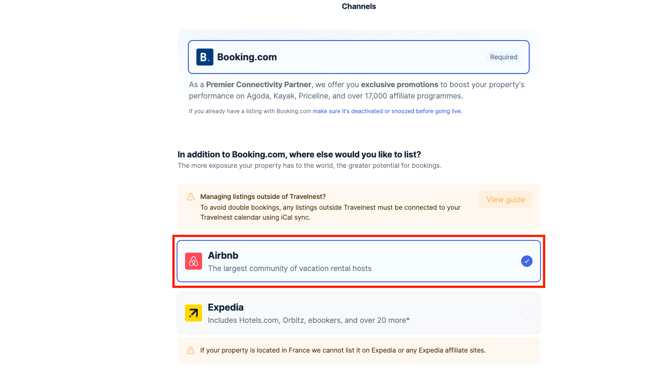
• Untick the booking site you want to remove, for example Airbnb
• Click Save changes at the bottom of the page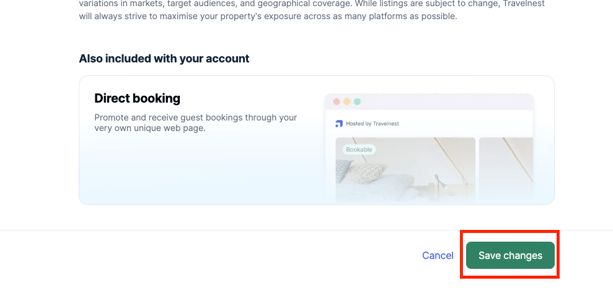
How long will it take for my listing to be removed?
Once you deselect a booking site, the delisting process starts automatically.
It usually takes 5–7 days for your listing to be fully removed from that booking site. Once complete, the platform will no longer appear in the View Listings section of your property profile.
Note
This article is for removing your property from a specific booking site only.
If you want to deactivate your property from Travelnest entirely, see How to leave Travelnest.